1
Step 1
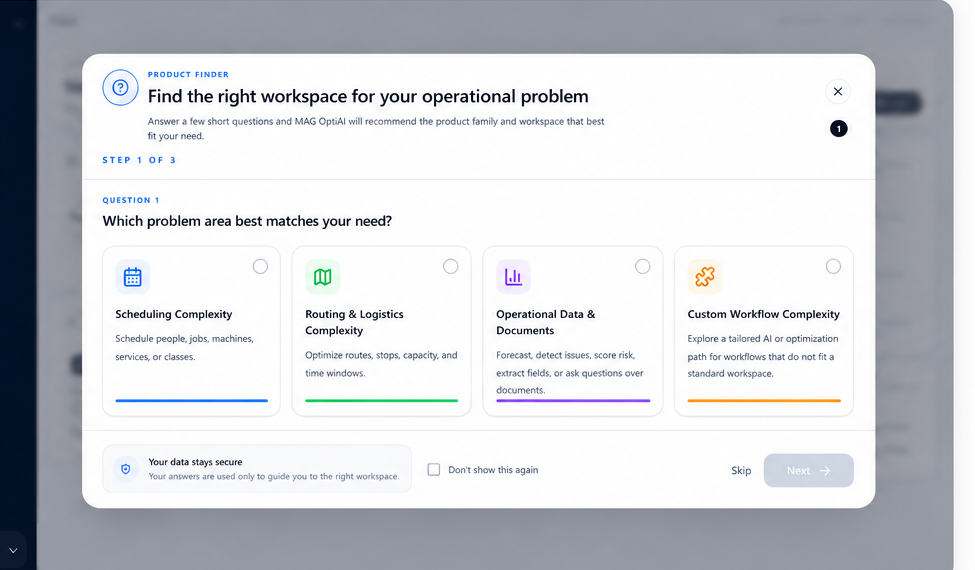
Open Product Finder
Start from Pro Console and open Product Finder when you are not sure which workspace matches your operational problem.
How to do it
- 1From the Pro Console home screen, click Product Finder.
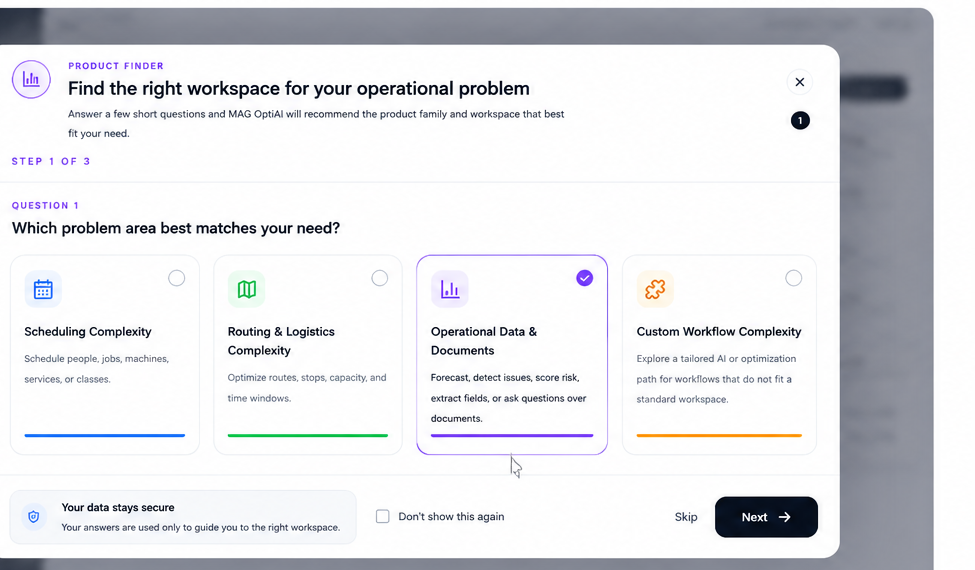
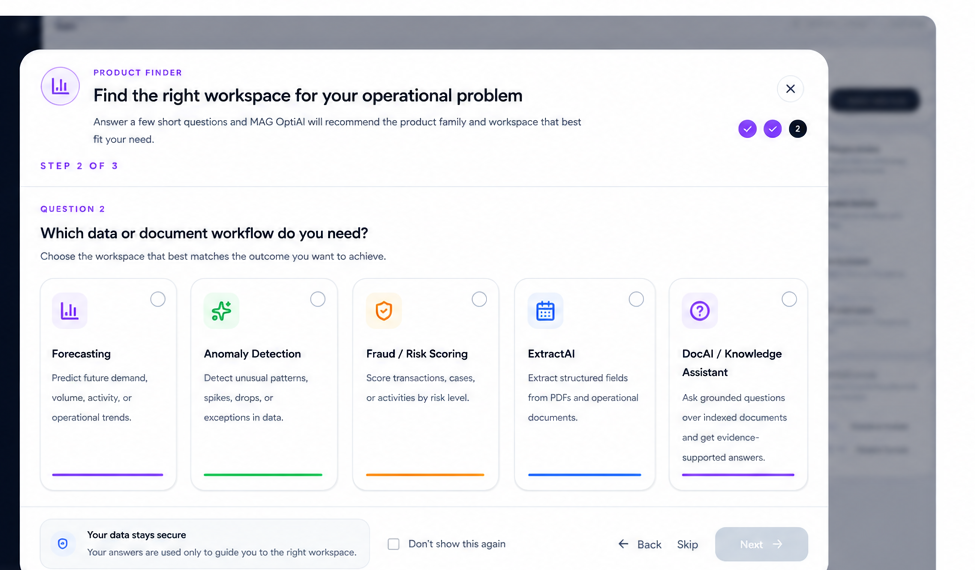
- 2Product Finder opens as a guided flow.
- 3It asks a few short questions about your operational need.
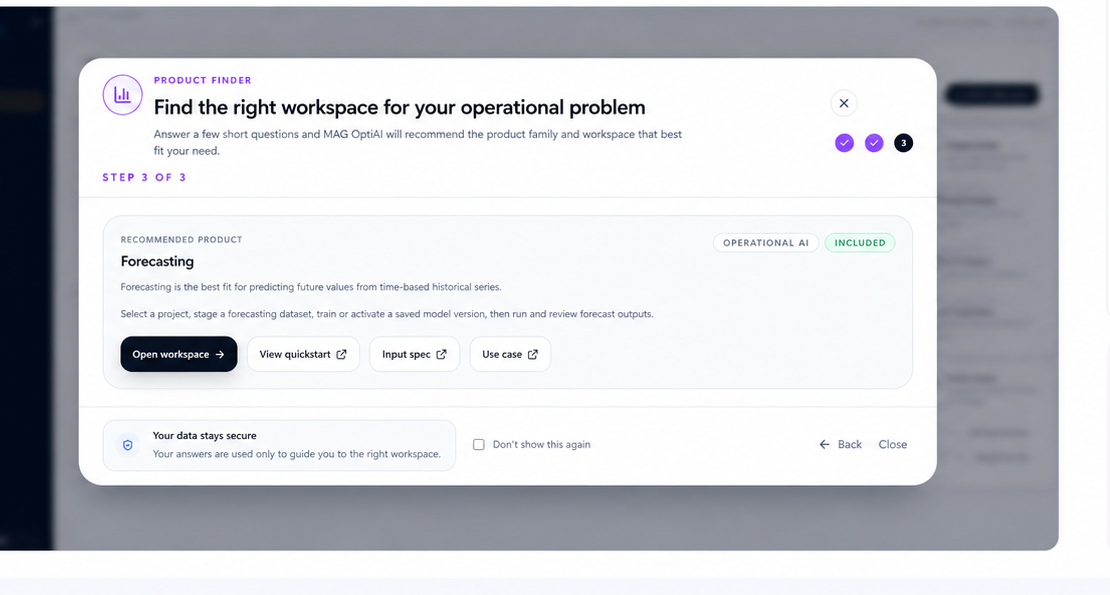
- 4Use these steps to get the recommended workspace.
Why this matters
Product Finder helps you quickly identify the best-fit workspace without needing to know every product in detail.
Tip
If you already know which product you need, you can open that workspace directly from Solutions.