MAG OptiAI

Operational AI Quickstart

ExtractAI visual quickstart

Move from document intake to structured extraction review with a lightweight, project-scoped document workflow.

Visual walkthrough

Follow the workflow step by step, using the screenshots where available and the concise action notes throughout.

Before you start

Have a supported document ready for a single-document run.
Use the product page or use case for workflow context because a public input spec is not confirmed yet.
Use a concise document sample when you want to validate the workflow quickly.

Step 1

Open the workspace

Start in ExtractAI and orient around the simple three-step shell.
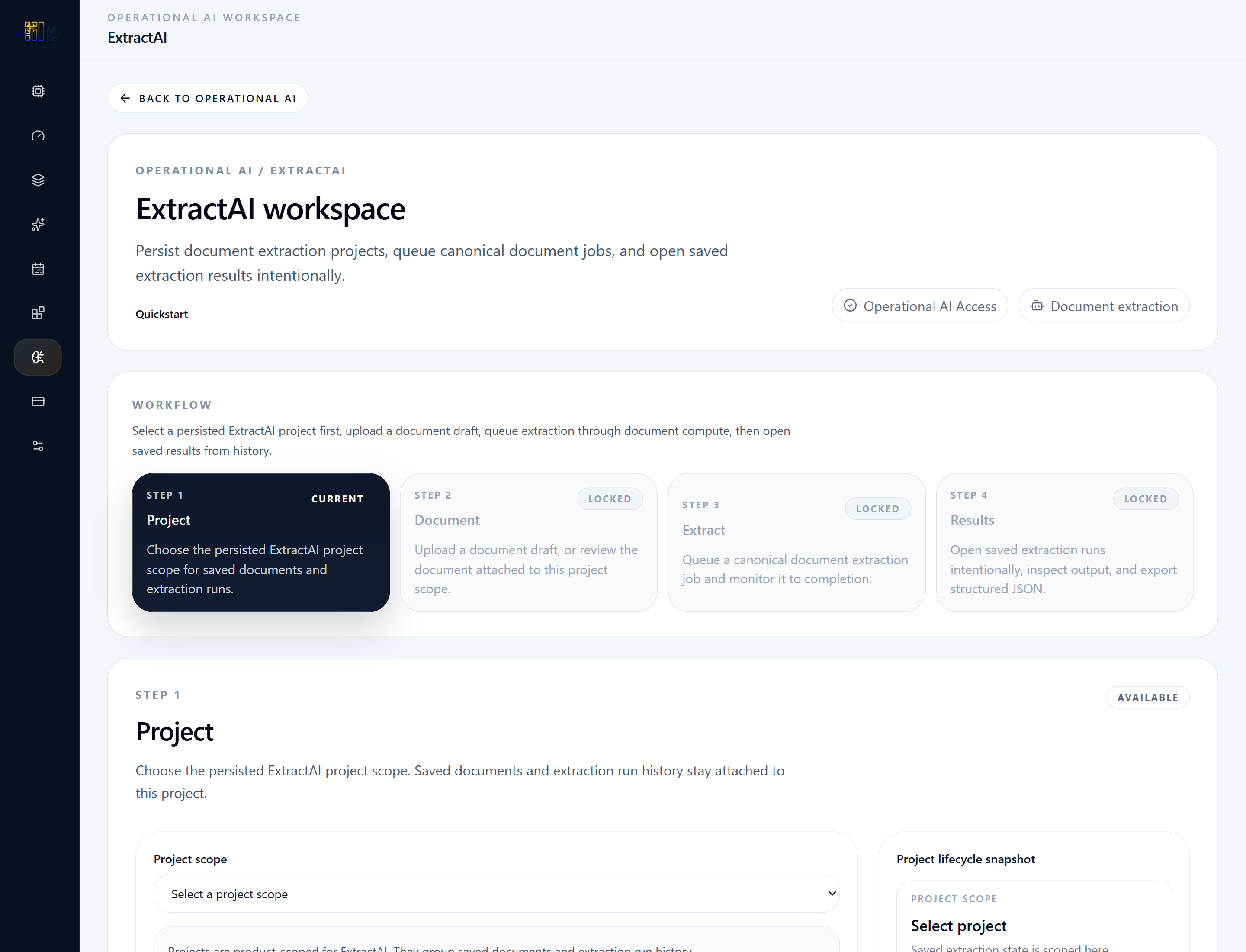
ExtractAI workspace overview showing document, extract, and results steps.
The ExtractAI workspace keeps the flow intentionally lean: document intake, extraction, and result review.

Step 2

Upload the document

Load one supported document and confirm the validation state before extraction.
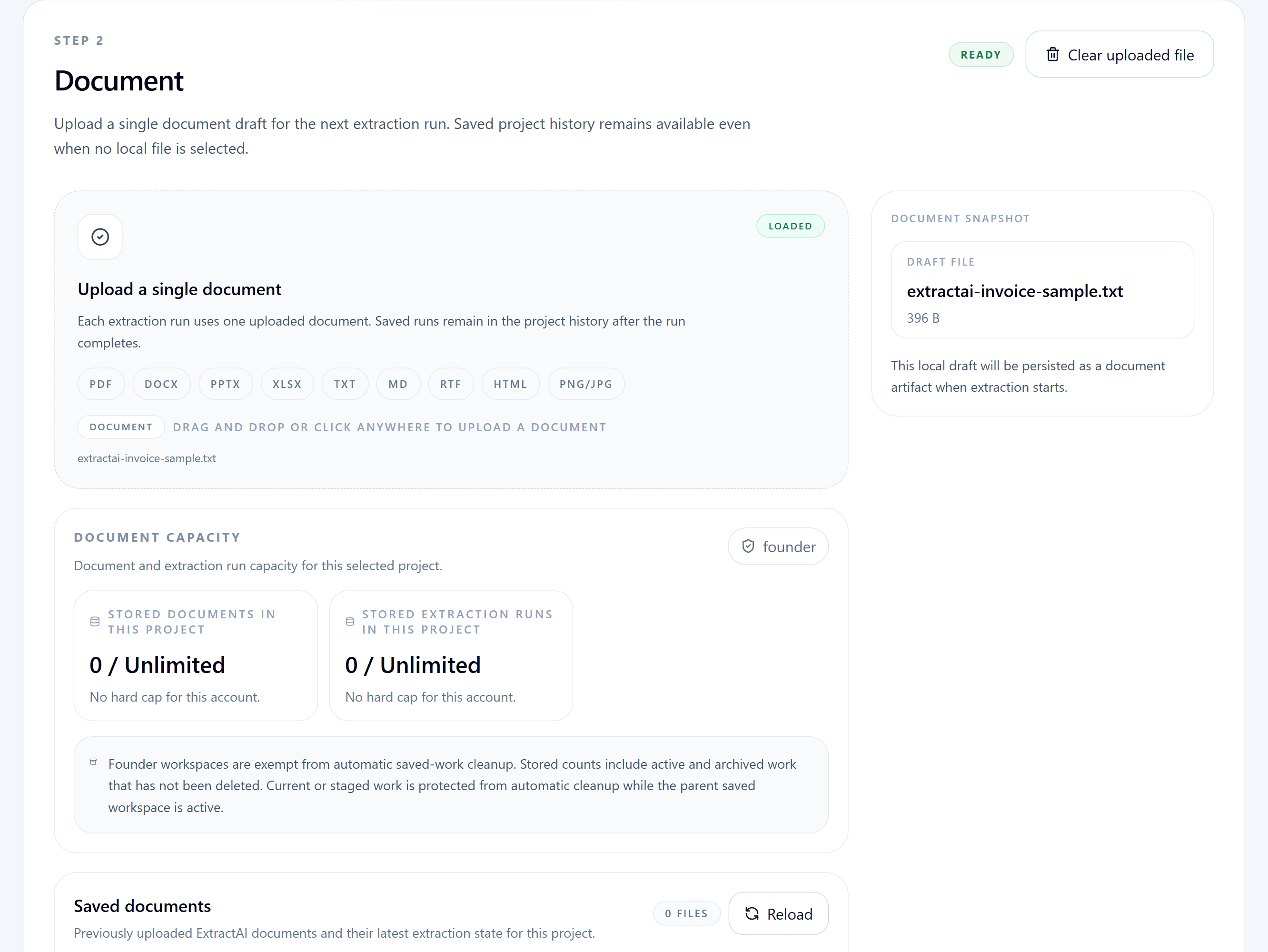
ExtractAI document intake step with upload and validation state.
Users load one supported document and confirm it is ready before moving into the extraction step.

Step 3

Prepare the extraction run

This product keeps configuration light. Confirm the selected file and run policy before launching.
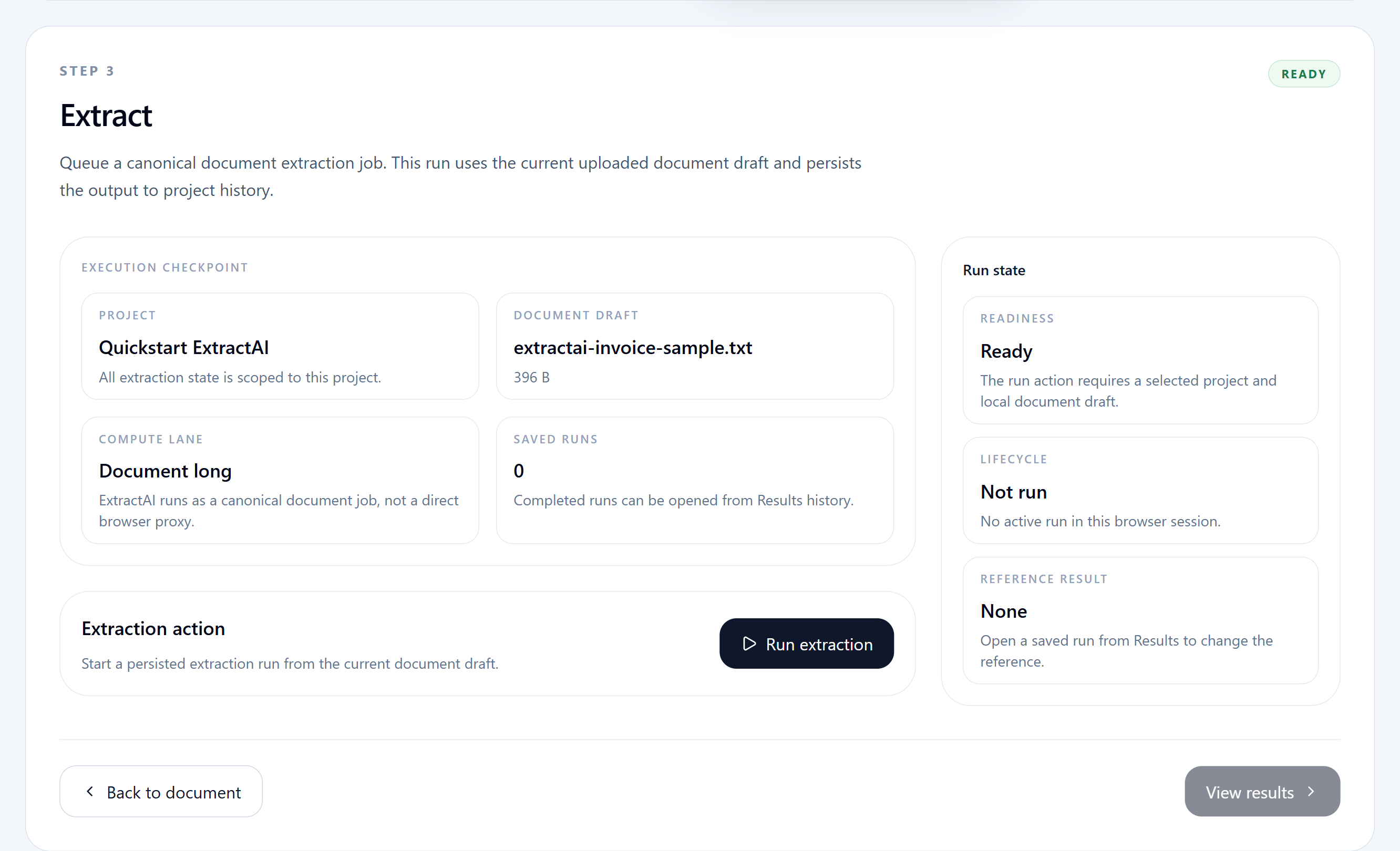
ExtractAI extraction checkpoint showing selected project, document draft, and run readiness.
The extract step confirms the uploaded document and project scope before launching a persisted extraction run.

Step 4

Run extraction

Use the Extract step to launch the document extraction once the file is ready.
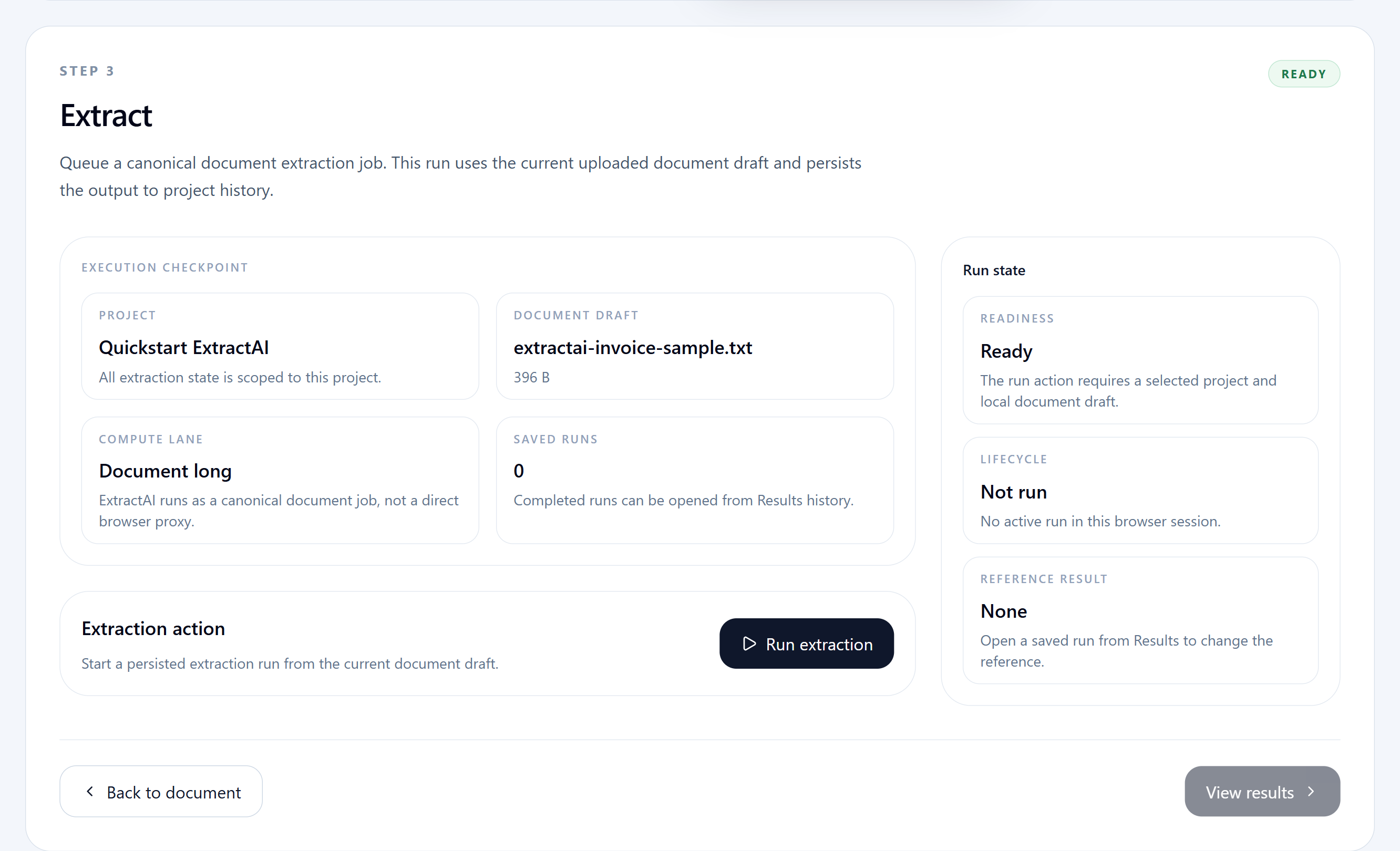
ExtractAI run action showing the document extraction launch control and saved-run context.
Users launch extraction from the run action after the document draft and project scope are ready.

Expected outputs

Structured extracted fields or JSON-style output
Run evidence such as representation and extraction status
Raw model JSON and raw text evidence when needed

Common mistakes

Trying to use multiple files in one extraction run
Skipping the run readiness checkpoint before launching extraction
Skipping result evidence review when the extraction falls back or degrades

Next steps

Move from walkthrough to the right working page

Open the live workspace when you are ready to execute, or use the related product, use case, and spec pages when you need more context first.

Open workspace

Move straight into the live Pro Console workspace.

Product page

Review the product overview and launch positioning.

Use case

See where this workflow fits operationally.

Pricing

Check plan and rollout options.

Contact

Talk to MAG OptiAI about fit, rollout, or support.

Navigate

Keep this quickstart connected to the resource library

Return to the quickstart index for another product walkthrough, or go back to the resource hub for use cases, input specs, and how-to guides.
