Step 1
Open the workspace
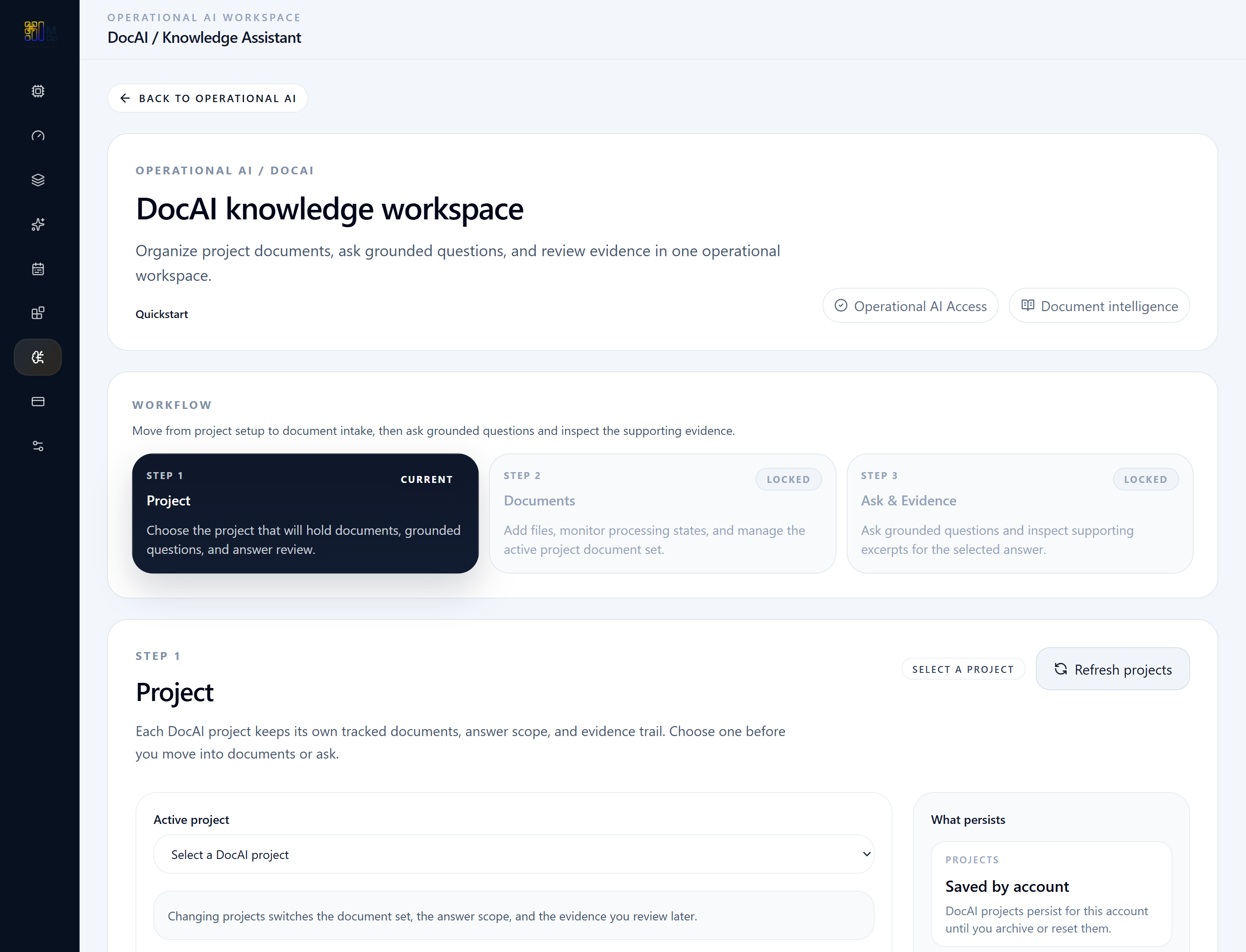
Start in the DocAI workspace and review the project, documents, conversation, and evidence flow.

Operational AI Quickstart
Move from project setup to document-grounded answers and evidence review with a project-scoped knowledge workflow.
Follow the workflow step by step, using the screenshots where available and the concise action notes throughout.
Before you start
Step 1
Start in the DocAI workspace and review the project, documents, conversation, and evidence flow.
Step 2
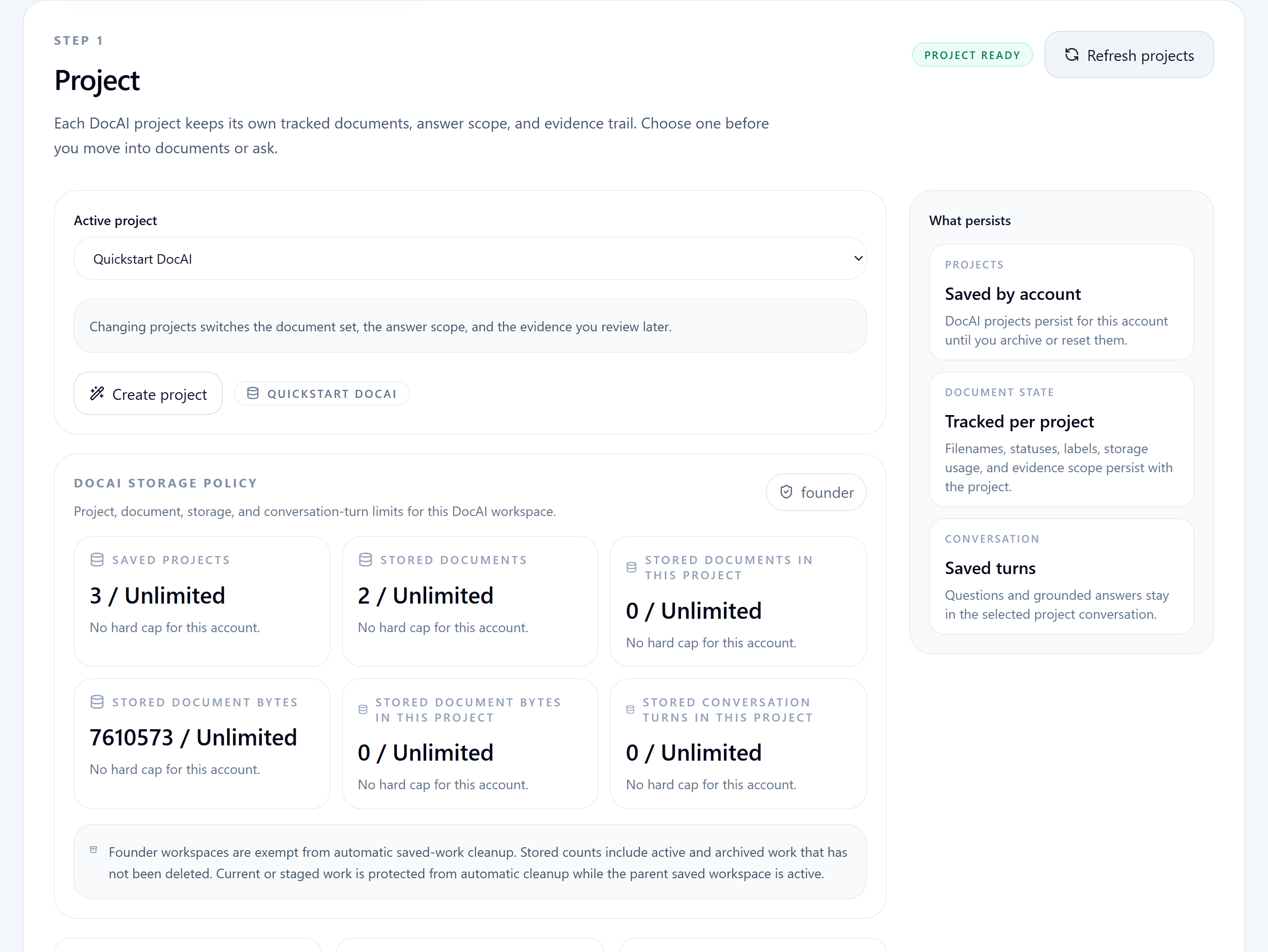
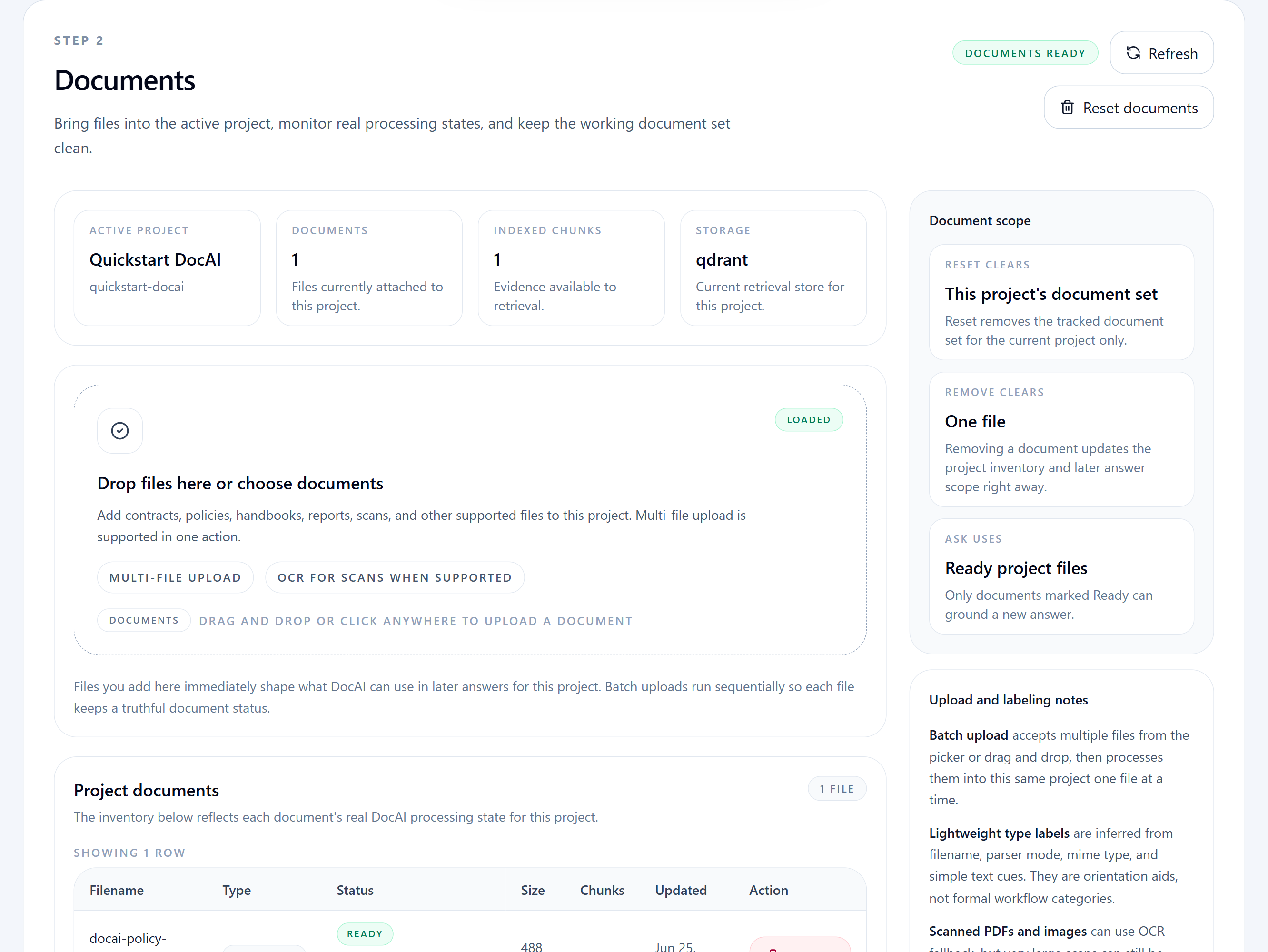
Choose a project, then upload or manage the documents that will ground the conversation.
Step 3
Confirm the project scope and document readiness before asking grounded questions.
Step 4
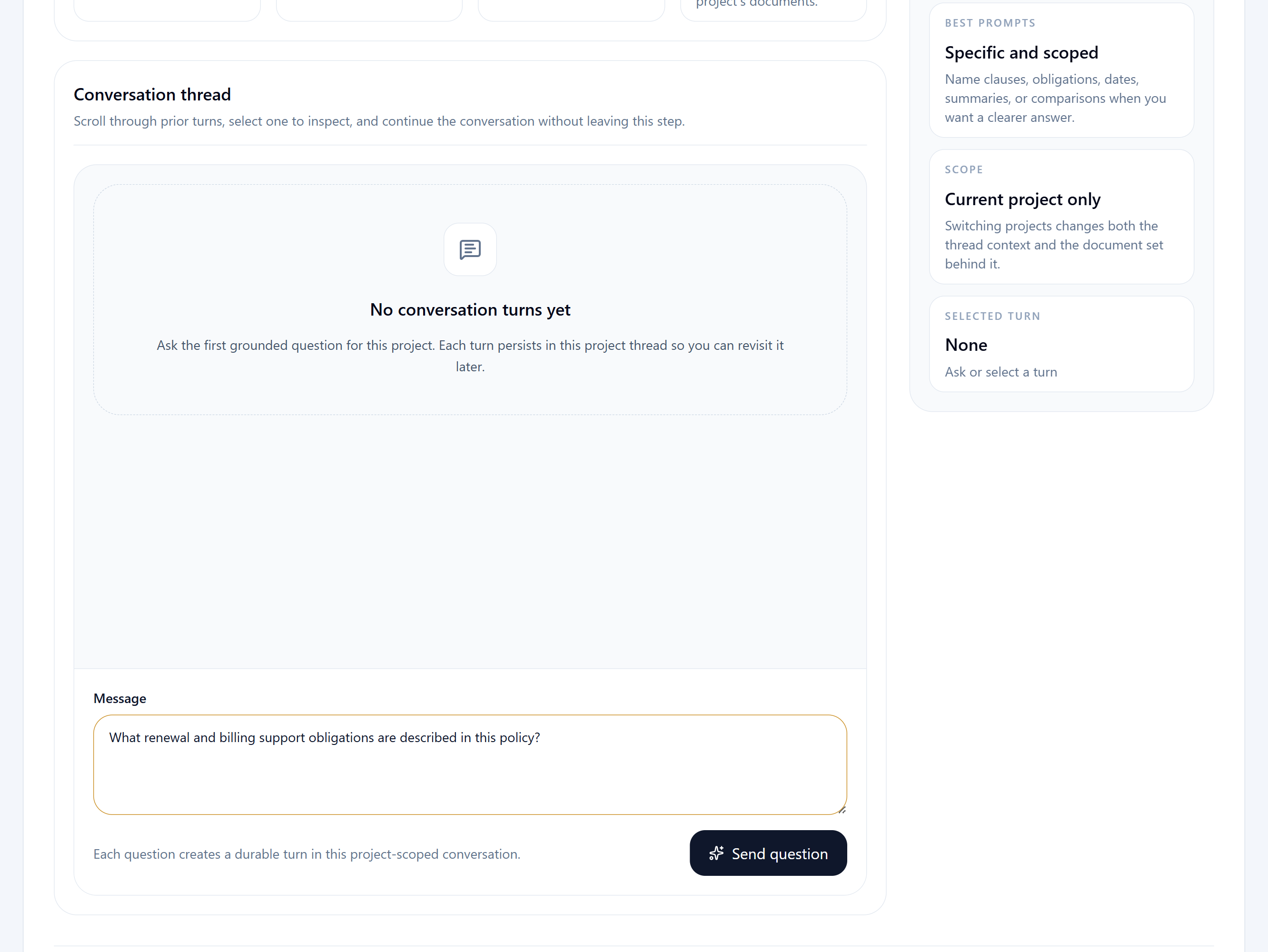
Use the conversation step to query the selected project once documents are ready.
Step 5
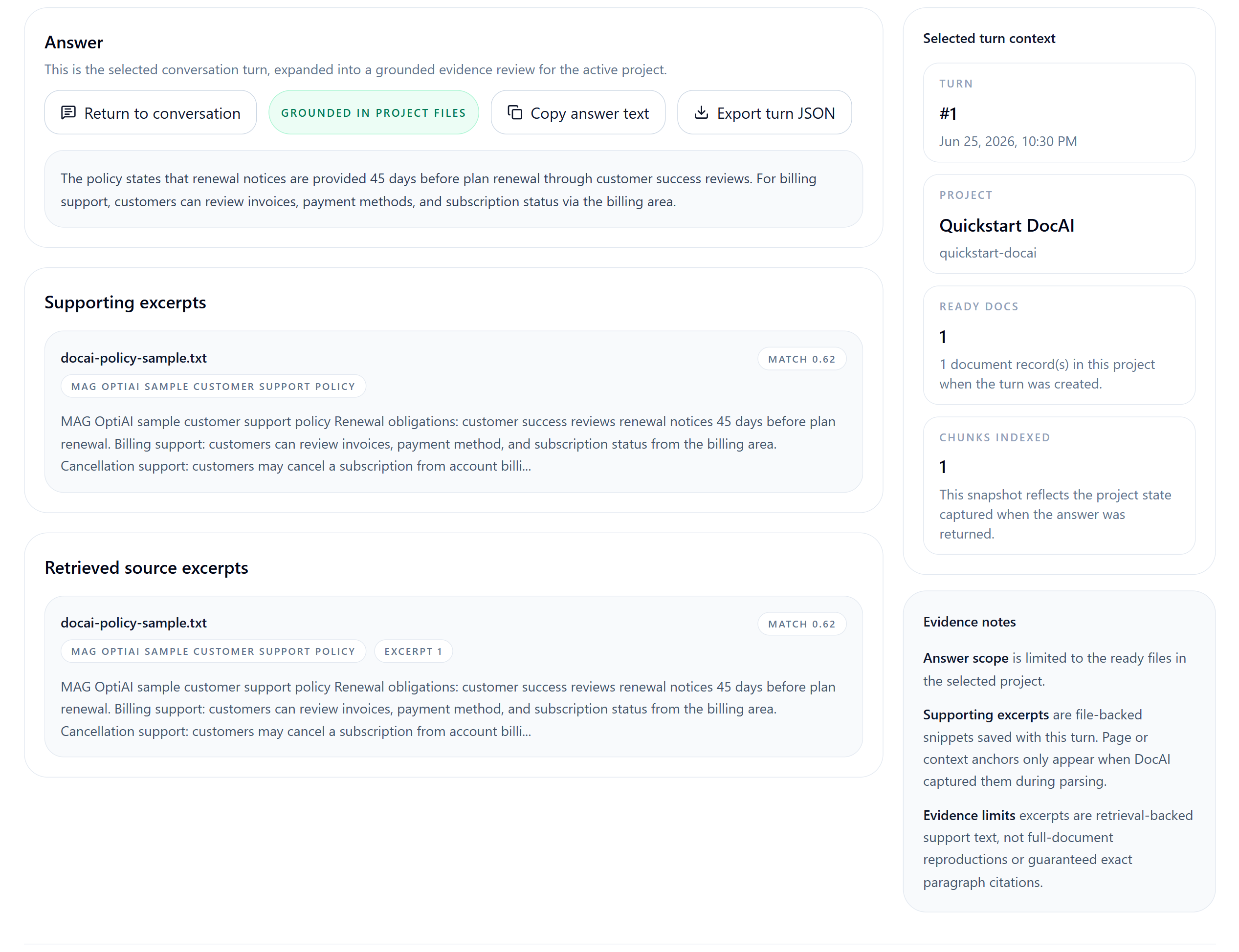
Review excerpts, citations, and source snippets in the Evidence step before operational use.
Expected outputs
Common mistakes
Next steps
Open the live workspace when you are ready to execute, or use the related product, use case, and spec pages when you need more context first.
Navigate
Return to the quickstart index for another product walkthrough, or go back to the resource hub for use cases, input specs, and how-to guides.