1
Step 1
Start from a result or output
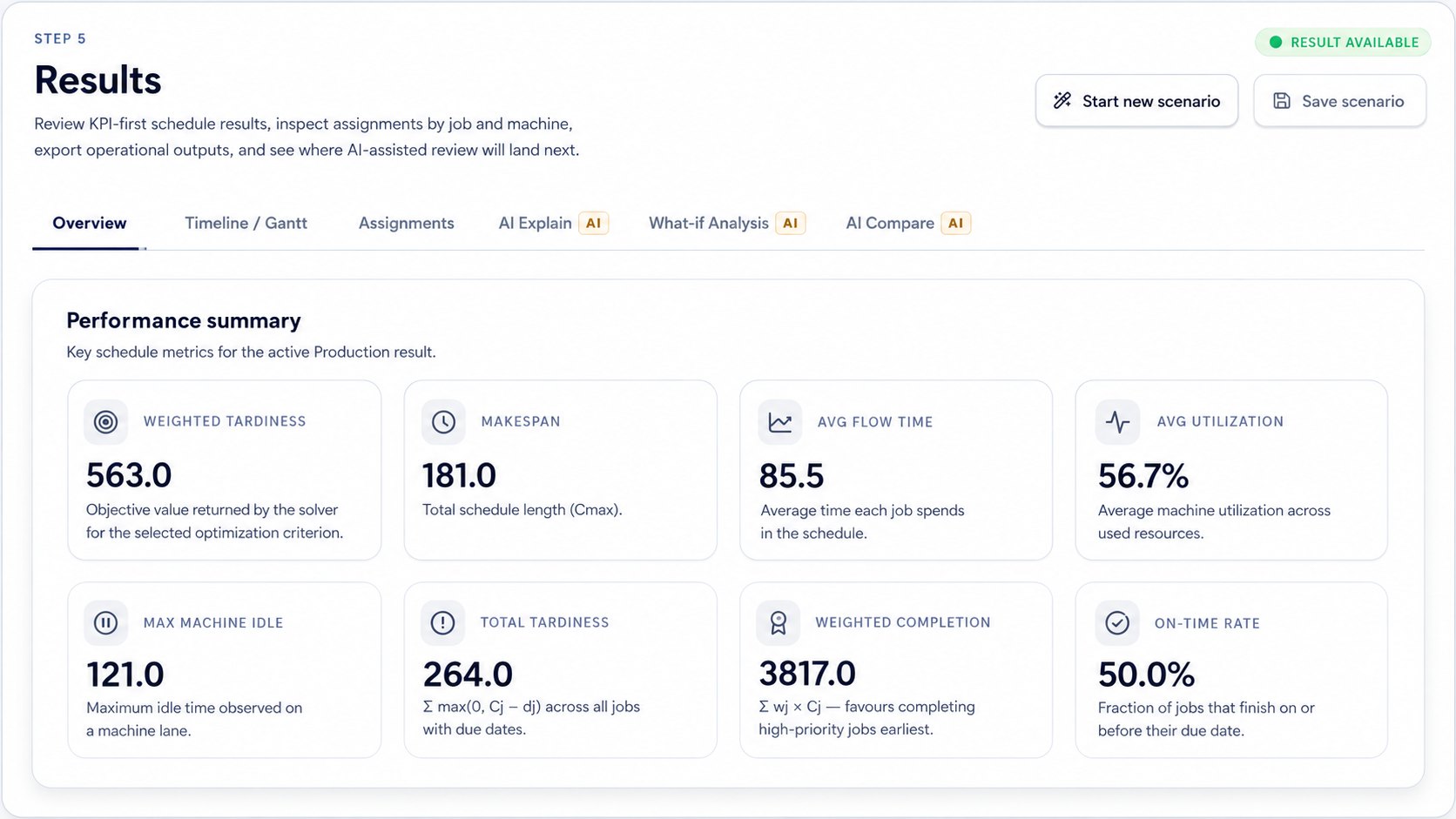
AI Summary is useful after a workspace has generated visible evidence, such as KPIs, charts, tables, forecasts, scores, or extracted fields.

AI features How-To
Generate a short summary of the current result or output so you can quickly understand key findings, risks, and next steps.
Guide details
Audience
AI feature users
Time
4 minutes
Category
AI features
Generate a short summary of the current result or output so you can quickly understand key findings, risks, and next steps.
Start from a completed result
Open the AI summary surface
Review key findings
Check risks and caveats
Use the summary as a review aid
Step by step
Each step gives you the action, the reason it matters, and the visual state to look for before continuing.
Step 1
AI Summary is useful after a workspace has generated visible evidence, such as KPIs, charts, tables, forecasts, scores, or extracted fields.
Step 2
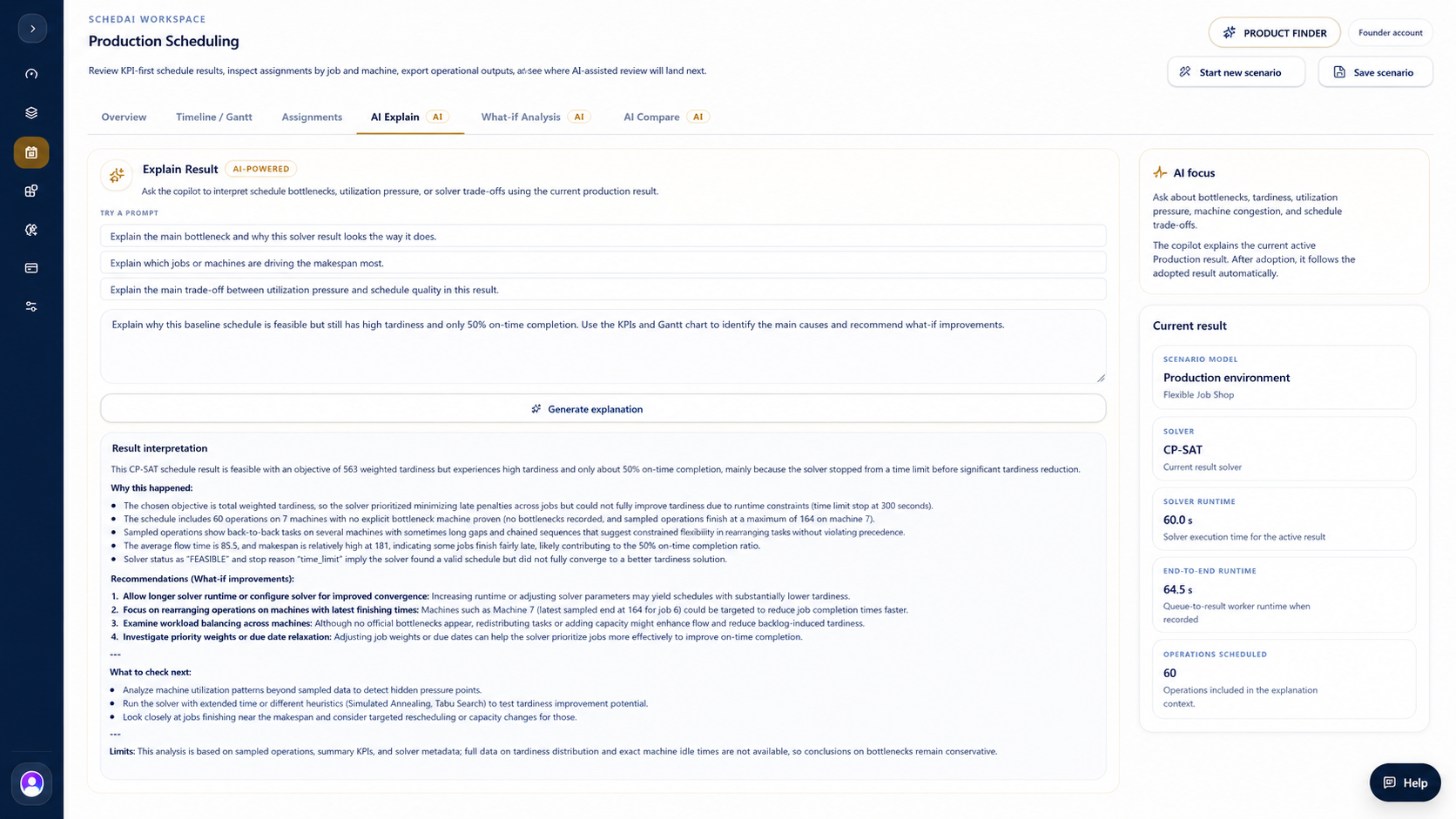
Use the summary action where available to ask for the key findings, notable risks, and recommended next review steps.
Step 3
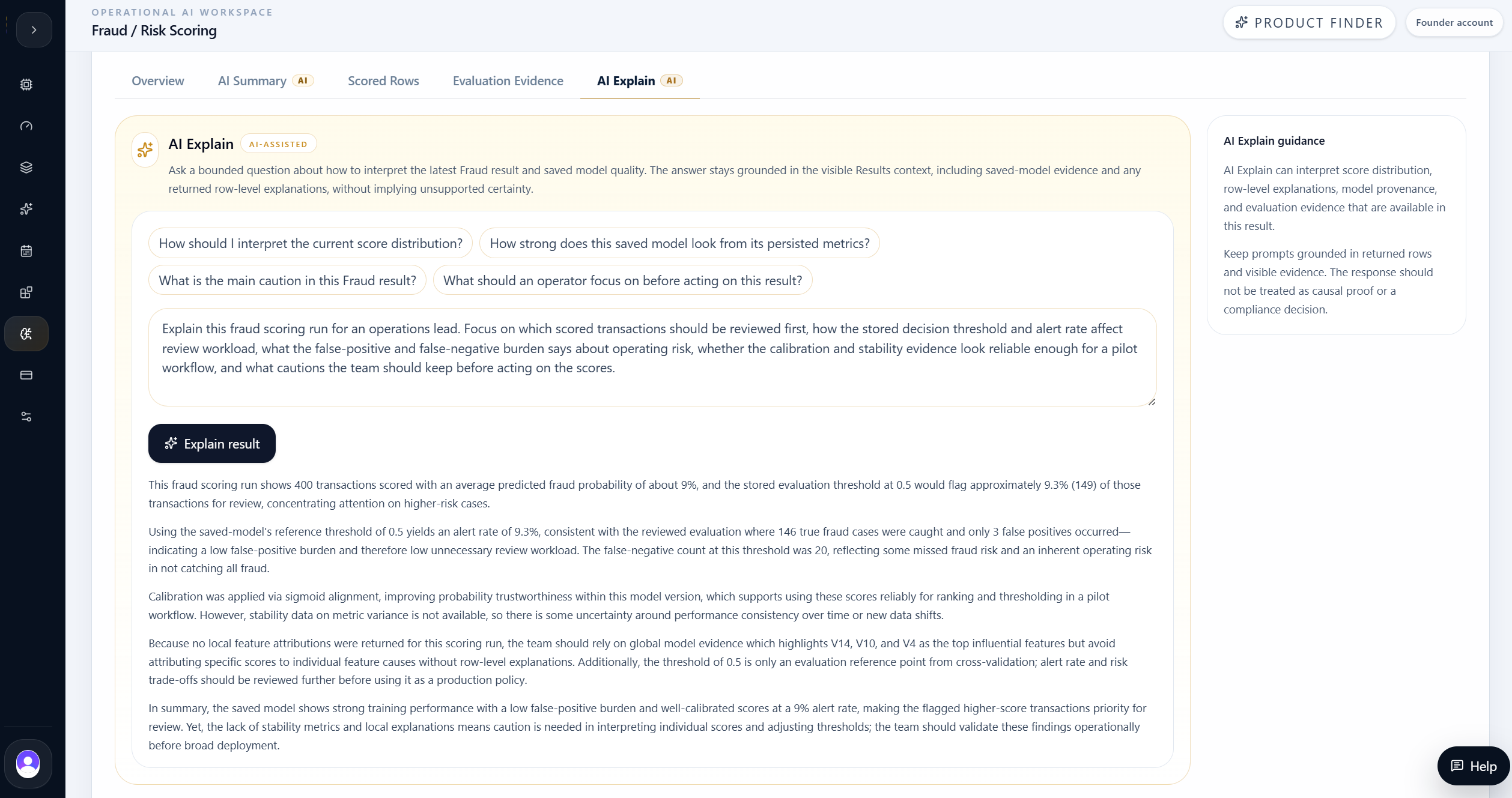
Treat the summary as a reading aid. Confirm important claims against the visible result, chart, table, or export before making a decision.
Tips
Related links
Continue with nearby tasks in the same category.
Ask focused questions about generated results so MAG OptiAI can explain KPIs, charts, schedules, routes, model outputs, or document answers using visible output.
Set up your scenario with guided assistance. MAG OptiAI helps you understand required inputs, configuration choices, and setup rules before running the model.
Create an alternative scenario, solve it, and compare the result against the baseline before deciding which plan is stronger.
Next
Return to the full how-to library or step back to the resource hub when you want a different kind of guide.